Lesson 1 · The pipeline · 7 images
The pipeline — what each stage actually means
Screen depicted: /UnifiedLeads
Before any quote exists there is a deal on a board, and the stage it sits in is a promise to everybody downstream. Moving a card is not admin — it tells the quote team to start work, it tells Operations a job is coming, and it decides which reports a deal appears in. So learn what the stages mean before you learn anything else, because a card in the wrong column is work nobody knows about.
The scene
State depicted: The pipeline board with several test leads spread across the stages: one untouched, one in conversation, one at Quote Request, one at Verbal Agreement.
In frame: The board with its stage columns left to right · A gold-glowing hot-intent card · A rose flashing returning-customer alarm · The lead drawer open on one card · A stage move in progress
Image 0 — lesson title card · generate from this
16:9 desktop frame, 1440px-wide feel. Lesson title card — the full screen with nothing highlighted. Match the supplied reference plate "Pipeline board surface". SCREEN: /UnifiedLeads. The scene must contain: The board with its stage columns left to right; A gold-glowing hot-intent card; A rose flashing returning-customer alarm; The lead drawer open on one card; A stage move in progress. Data state the screen is in: The pipeline board with several test leads spread across the stages: one untouched, one in conversation, one at Quote Request, one at Verbal Agreement. Flat vector UI mockup illustration. Straight-on, no perspective, no tilt, no device bezels, no browser chrome, no cursor. Page #F7F8FA, cards #FFFFFF, hairlines #E2E8F0, ink #0F172A, secondary ink #475569. Exactly one accent: antique gold #B18C19. Status colours only where the lesson names them — emerald #10B981 confirmed, amber #F59E0B waiting, rose #F43F5E failure, sky #0EA5E9 informational. When a design drawing is in frame, use the production renderer’s own language: building outline in slate grey hairline, pipe runs and sprinkler head markers in blue #3B82F6, coverage as large translucent light-blue circles with a blue stroke, the water-supply point as a small solid gold #B18C19 square, and any fault or off-axis pipe in red #EF4444. Never draw the coverage circles in gold — gold means supply. 12px card radii, generous white space, one soft shadow per card, 1px hairline borders. ZERO GLYPHS OF WRITING: no letters, no words, no digits, no punctuation anywhere in the image. Every label, heading and paragraph is a plain grey rounded horizontal strip of solid colour with nothing inside it. Do not transcribe any word of this description into the picture — not "greeked", not "placeholder", not "lorem ipsum", and not the names of the elements themselves such as label, caption, search or button. Real labels are added afterwards as lesson captions, never drawn into the image. Keep all content inside a centred safe area: generators frequently return a square, so nothing load-bearing may sit near an edge that a 16:9 crop would remove. No people, no hands, no photographs, no 3D renders, no isometric views, no neon, no gradients on backgrounds, no emoji, no logos or wordmarks, no stock-illustration mascots, no drop-shadow clutter. Restrained, editorial, premium enterprise software. Calm, not cheerful.
Slide 1 of 5
- On screen — use verbatim as the slide caption
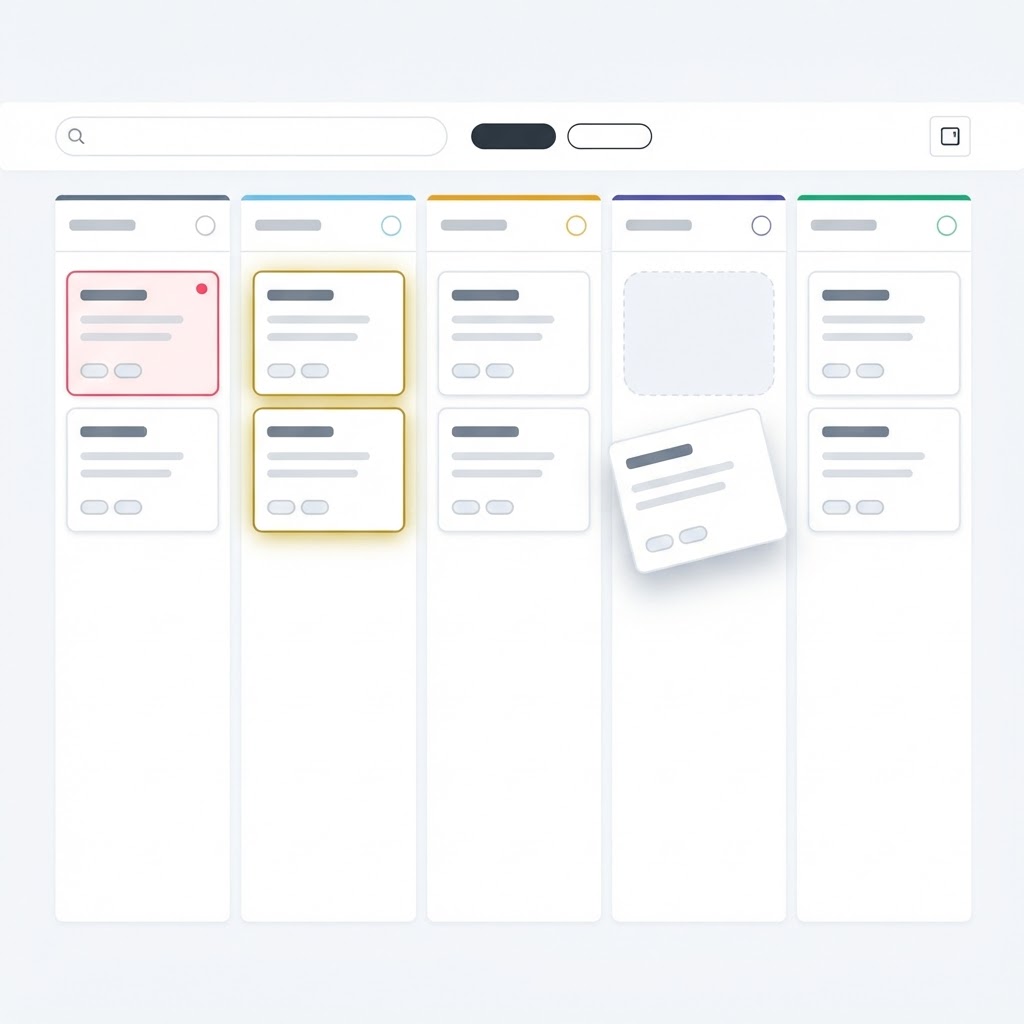
- The pipeline board on /UnifiedLeads — stage columns across the screen, each holding lead cards, with a count on every column header.
- Do
- Read the columns left to right.
- Say — verbatim voiceover
- “Left to right is the life of a deal. Your job is to move cards rightwards with something to show for each move — never to tidy the board.”
- Expect
- Columns render with counts and cards.
Image 1 — generate from this
16:9 desktop frame, 1440px-wide feel. Match the supplied reference plate "Pipeline board surface" for layout language, palette and density. SCREEN: /UnifiedLeads. IN FRAME: The pipeline board on /UnifiedLeads — stage columns across the screen, each holding lead cards, with a count on every column header. HIGHLIGHT: The control being acted on gets a thin 2px gold ring and a small solid gold circle containing only the prompt number. Number it 1. It marks the control the learner acts on. STATE SHOWN: Columns render with counts and cards. Flat vector UI mockup illustration. Straight-on, no perspective, no tilt, no device bezels, no browser chrome, no cursor. Page #F7F8FA, cards #FFFFFF, hairlines #E2E8F0, ink #0F172A, secondary ink #475569. Exactly one accent: antique gold #B18C19. Status colours only where the lesson names them — emerald #10B981 confirmed, amber #F59E0B waiting, rose #F43F5E failure, sky #0EA5E9 informational. When a design drawing is in frame, use the production renderer’s own language: building outline in slate grey hairline, pipe runs and sprinkler head markers in blue #3B82F6, coverage as large translucent light-blue circles with a blue stroke, the water-supply point as a small solid gold #B18C19 square, and any fault or off-axis pipe in red #EF4444. Never draw the coverage circles in gold — gold means supply. 12px card radii, generous white space, one soft shadow per card, 1px hairline borders. ZERO GLYPHS OF WRITING: no letters, no words, no digits, no punctuation anywhere in the image. Every label, heading and paragraph is a plain grey rounded horizontal strip of solid colour with nothing inside it. Do not transcribe any word of this description into the picture — not "greeked", not "placeholder", not "lorem ipsum", and not the names of the elements themselves such as label, caption, search or button. Real labels are added afterwards as lesson captions, never drawn into the image. Keep all content inside a centred safe area: generators frequently return a square, so nothing load-bearing may sit near an edge that a 16:9 crop would remove. No people, no hands, no photographs, no 3D renders, no isometric views, no neon, no gradients on backgrounds, no emoji, no logos or wordmarks, no stock-illustration mascots, no drop-shadow clutter. Restrained, editorial, premium enterprise software. Calm, not cheerful.
Slide 2 of 5
- On screen — use verbatim as the slide caption
- A lead card with a breathing gold halo, and separately a card flashing rose with a small pulsing light.
- Do
- Point at the gold card, then the rose one.
- Say — verbatim voiceover
- “Gold means this customer explicitly asked for a consultation — they are the warmest thing on your board. Rose and flashing means a customer who has come back to us after going quiet. Those two get touched first, every day, before anything else.”
- Expect
- Both attention states are visibly different from a normal card.
- Watch for — draw as a warning callout
- The portal only flashes for a returning customer. If everything is flashing, you are looking at the wrong filter, not a hot pipeline.
Image 2 — generate from this
16:9 desktop frame, 1440px-wide feel. Match the supplied reference plate "Pipeline board surface" for layout language, palette and density. SCREEN: /UnifiedLeads. IN FRAME: A lead card with a breathing gold halo, and separately a card flashing rose with a small pulsing light. HIGHLIGHT: The control being acted on gets a thin 2px gold ring and a small solid gold circle containing only the prompt number. Number it 2. It marks the control the learner acts on. STATE SHOWN: Both attention states are visibly different from a normal card. ALSO DRAW, smaller and to the side: the failure or edge state — The portal only flashes for a returning customer. If everything is flashing, you are looking at the wrong filter, not a hot pipeline. Flat vector UI mockup illustration. Straight-on, no perspective, no tilt, no device bezels, no browser chrome, no cursor. Page #F7F8FA, cards #FFFFFF, hairlines #E2E8F0, ink #0F172A, secondary ink #475569. Exactly one accent: antique gold #B18C19. Status colours only where the lesson names them — emerald #10B981 confirmed, amber #F59E0B waiting, rose #F43F5E failure, sky #0EA5E9 informational. When a design drawing is in frame, use the production renderer’s own language: building outline in slate grey hairline, pipe runs and sprinkler head markers in blue #3B82F6, coverage as large translucent light-blue circles with a blue stroke, the water-supply point as a small solid gold #B18C19 square, and any fault or off-axis pipe in red #EF4444. Never draw the coverage circles in gold — gold means supply. 12px card radii, generous white space, one soft shadow per card, 1px hairline borders. ZERO GLYPHS OF WRITING: no letters, no words, no digits, no punctuation anywhere in the image. Every label, heading and paragraph is a plain grey rounded horizontal strip of solid colour with nothing inside it. Do not transcribe any word of this description into the picture — not "greeked", not "placeholder", not "lorem ipsum", and not the names of the elements themselves such as label, caption, search or button. Real labels are added afterwards as lesson captions, never drawn into the image. Keep all content inside a centred safe area: generators frequently return a square, so nothing load-bearing may sit near an edge that a 16:9 crop would remove. No people, no hands, no photographs, no 3D renders, no isometric views, no neon, no gradients on backgrounds, no emoji, no logos or wordmarks, no stock-illustration mascots, no drop-shadow clutter. Restrained, editorial, premium enterprise software. Calm, not cheerful.
Slide 3 of 5
- On screen — use verbatim as the slide caption
- The lead drawer open from a card — identity rail with name, address, phone and email, then the tabs for notes, files and engagement.
- Do
- Open one card and read the identity rail.
- Say — verbatim voiceover
- “Everything about this customer hangs off this record: the quote, the proposal, the contract, the job folder. If the address or the email is wrong here, it is wrong in all of them.”
- Expect
- Drawer opens with contact and address visible.
Image 3 — generate from this
16:9 desktop frame, 1440px-wide feel. Match the supplied reference plate "Publish + documents surface" for layout language, palette and density. SCREEN: /UnifiedLeads. IN FRAME: The lead drawer open from a card — identity rail with name, address, phone and email, then the tabs for notes, files and engagement. HIGHLIGHT: The control being acted on gets a thin 2px gold ring and a small solid gold circle containing only the prompt number. Number it 3. It marks the control the learner acts on. STATE SHOWN: Drawer opens with contact and address visible. Flat vector UI mockup illustration. Straight-on, no perspective, no tilt, no device bezels, no browser chrome, no cursor. Page #F7F8FA, cards #FFFFFF, hairlines #E2E8F0, ink #0F172A, secondary ink #475569. Exactly one accent: antique gold #B18C19. Status colours only where the lesson names them — emerald #10B981 confirmed, amber #F59E0B waiting, rose #F43F5E failure, sky #0EA5E9 informational. When a design drawing is in frame, use the production renderer’s own language: building outline in slate grey hairline, pipe runs and sprinkler head markers in blue #3B82F6, coverage as large translucent light-blue circles with a blue stroke, the water-supply point as a small solid gold #B18C19 square, and any fault or off-axis pipe in red #EF4444. Never draw the coverage circles in gold — gold means supply. 12px card radii, generous white space, one soft shadow per card, 1px hairline borders. ZERO GLYPHS OF WRITING: no letters, no words, no digits, no punctuation anywhere in the image. Every label, heading and paragraph is a plain grey rounded horizontal strip of solid colour with nothing inside it. Do not transcribe any word of this description into the picture — not "greeked", not "placeholder", not "lorem ipsum", and not the names of the elements themselves such as label, caption, search or button. Real labels are added afterwards as lesson captions, never drawn into the image. Keep all content inside a centred safe area: generators frequently return a square, so nothing load-bearing may sit near an edge that a 16:9 crop would remove. No people, no hands, no photographs, no 3D renders, no isometric views, no neon, no gradients on backgrounds, no emoji, no logos or wordmarks, no stock-illustration mascots, no drop-shadow clutter. Restrained, editorial, premium enterprise software. Calm, not cheerful.
Slide 4 of 5
- On screen — use verbatim as the slide caption
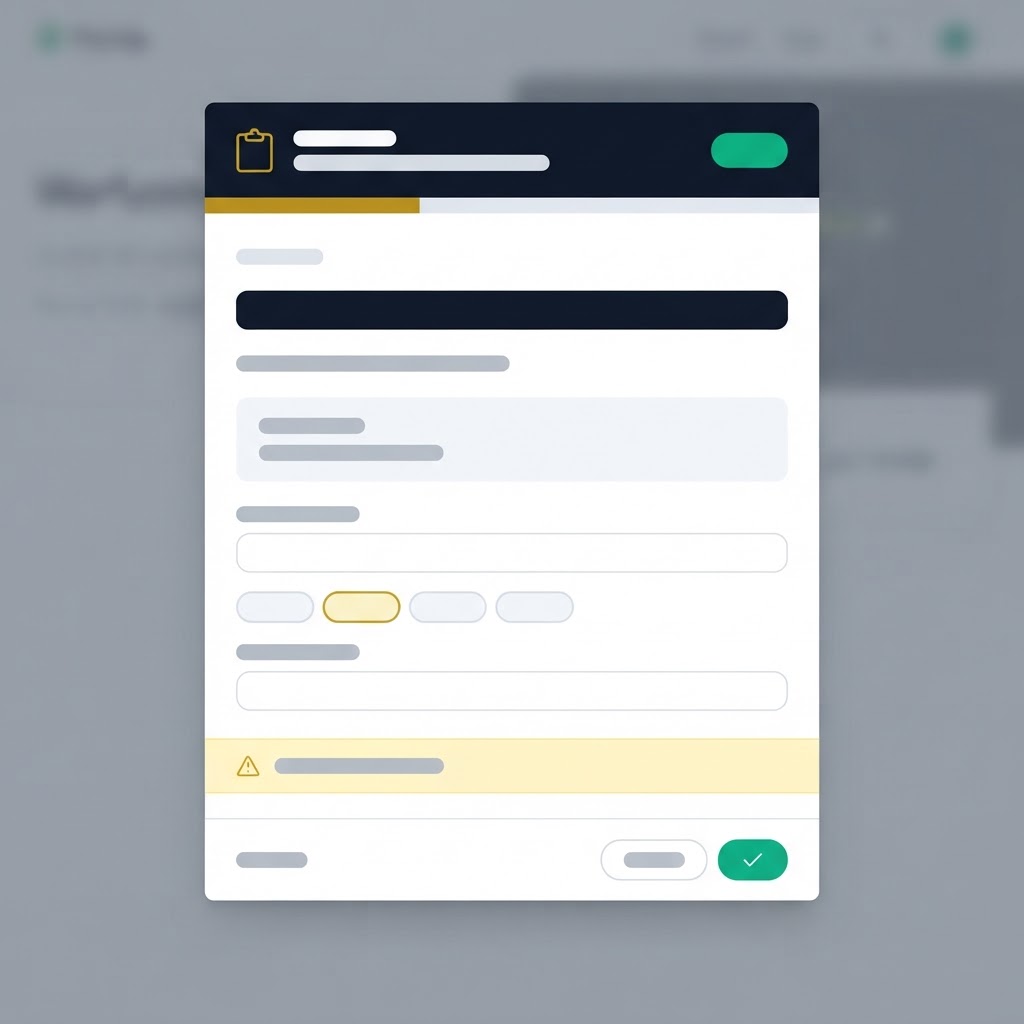
- Moving a card to the next stage — the stage-move dialog, which asks for a reason on the moves that need one.
- Do
- Move a test card forward and read what it asks you for.
- Say — verbatim voiceover
- “Some moves ask you why. That reason is not bureaucracy — it is what the next person reads instead of guessing, and it is what a report can be built from later.”
- Expect
- The stage move completes and the card lands in the new column.
Image 4 — generate from this
16:9 desktop frame, 1440px-wide feel. Match the supplied reference plate "Modal wizard / dialog surface" for layout language, palette and density. SCREEN: /UnifiedLeads. IN FRAME: Moving a card to the next stage — the stage-move dialog, which asks for a reason on the moves that need one. HIGHLIGHT: The control being acted on gets a thin 2px gold ring and a small solid gold circle containing only the prompt number. Number it 4. It marks the control the learner acts on. STATE SHOWN: The stage move completes and the card lands in the new column. Flat vector UI mockup illustration. Straight-on, no perspective, no tilt, no device bezels, no browser chrome, no cursor. Page #F7F8FA, cards #FFFFFF, hairlines #E2E8F0, ink #0F172A, secondary ink #475569. Exactly one accent: antique gold #B18C19. Status colours only where the lesson names them — emerald #10B981 confirmed, amber #F59E0B waiting, rose #F43F5E failure, sky #0EA5E9 informational. When a design drawing is in frame, use the production renderer’s own language: building outline in slate grey hairline, pipe runs and sprinkler head markers in blue #3B82F6, coverage as large translucent light-blue circles with a blue stroke, the water-supply point as a small solid gold #B18C19 square, and any fault or off-axis pipe in red #EF4444. Never draw the coverage circles in gold — gold means supply. 12px card radii, generous white space, one soft shadow per card, 1px hairline borders. ZERO GLYPHS OF WRITING: no letters, no words, no digits, no punctuation anywhere in the image. Every label, heading and paragraph is a plain grey rounded horizontal strip of solid colour with nothing inside it. Do not transcribe any word of this description into the picture — not "greeked", not "placeholder", not "lorem ipsum", and not the names of the elements themselves such as label, caption, search or button. Real labels are added afterwards as lesson captions, never drawn into the image. Keep all content inside a centred safe area: generators frequently return a square, so nothing load-bearing may sit near an edge that a 16:9 crop would remove. No people, no hands, no photographs, no 3D renders, no isometric views, no neon, no gradients on backgrounds, no emoji, no logos or wordmarks, no stock-illustration mascots, no drop-shadow clutter. Restrained, editorial, premium enterprise software. Calm, not cheerful.
Slide 5 of 5
- On screen — use verbatim as the slide caption
- The move into Quote Request — the stage that hands the job to engineering.
- Do
- Attempt that move and let the checks run.
- Say — verbatim voiceover
- “Quote Request means: engineering, please build this. It is the one move the portal genuinely argues with you about, because a job arriving there with nothing attached cannot be designed. That is the next lesson.”
- Expect
- Either the move completes, or a blocking panel explains exactly what is missing.
- Watch for — draw as a warning callout
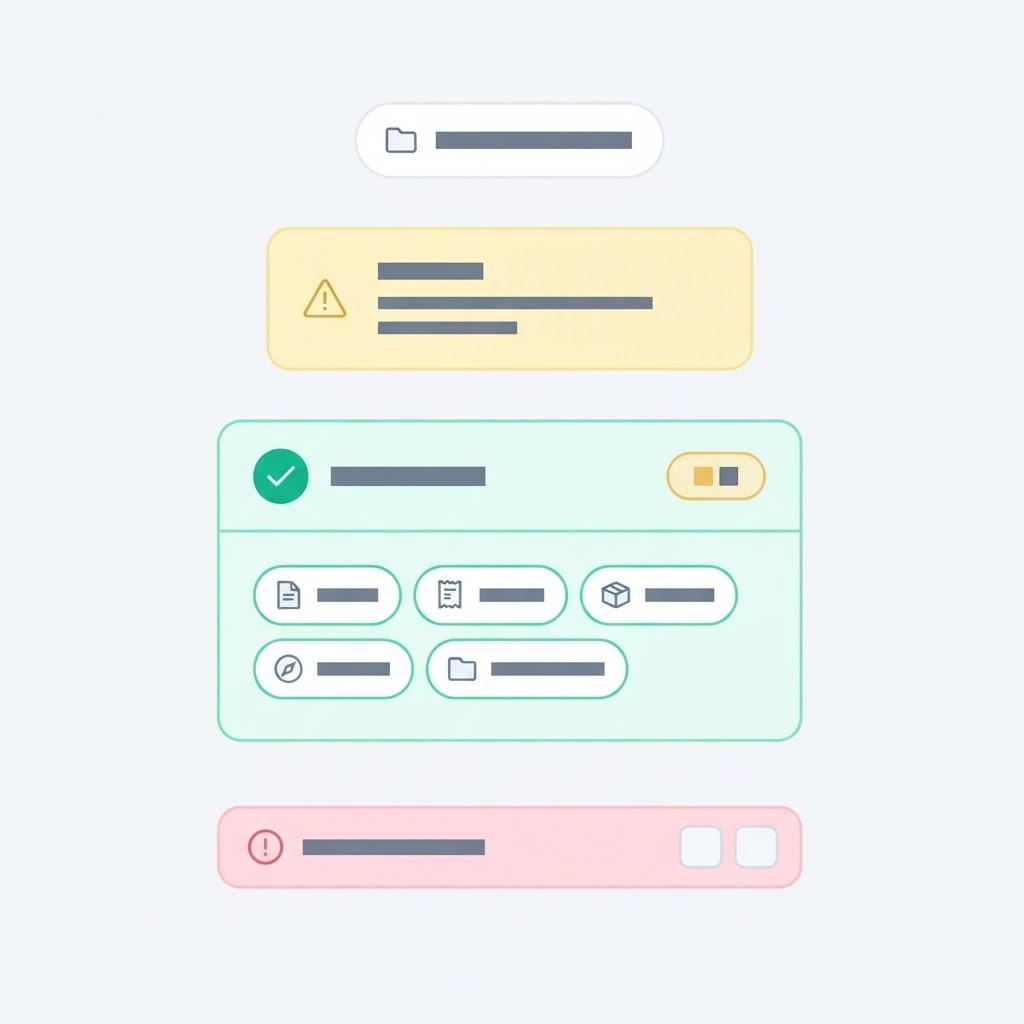
- A rose panel here is the system protecting the quote team, not a bug. Clear what it names — never route around it by moving the deal somewhere else.
Image 5 — generate from this
16:9 desktop frame, 1440px-wide feel. Match the supplied reference plate "Pipeline board surface" for layout language, palette and density. SCREEN: /UnifiedLeads. IN FRAME: The move into Quote Request — the stage that hands the job to engineering. HIGHLIGHT: The control being acted on gets a thin 2px gold ring and a small solid gold circle containing only the prompt number. Number it 5. It marks the control the learner acts on. STATE SHOWN: Either the move completes, or a blocking panel explains exactly what is missing. ALSO DRAW, smaller and to the side: the failure or edge state — A rose panel here is the system protecting the quote team, not a bug. Clear what it names — never route around it by moving the deal somewhere else. Flat vector UI mockup illustration. Straight-on, no perspective, no tilt, no device bezels, no browser chrome, no cursor. Page #F7F8FA, cards #FFFFFF, hairlines #E2E8F0, ink #0F172A, secondary ink #475569. Exactly one accent: antique gold #B18C19. Status colours only where the lesson names them — emerald #10B981 confirmed, amber #F59E0B waiting, rose #F43F5E failure, sky #0EA5E9 informational. When a design drawing is in frame, use the production renderer’s own language: building outline in slate grey hairline, pipe runs and sprinkler head markers in blue #3B82F6, coverage as large translucent light-blue circles with a blue stroke, the water-supply point as a small solid gold #B18C19 square, and any fault or off-axis pipe in red #EF4444. Never draw the coverage circles in gold — gold means supply. 12px card radii, generous white space, one soft shadow per card, 1px hairline borders. ZERO GLYPHS OF WRITING: no letters, no words, no digits, no punctuation anywhere in the image. Every label, heading and paragraph is a plain grey rounded horizontal strip of solid colour with nothing inside it. Do not transcribe any word of this description into the picture — not "greeked", not "placeholder", not "lorem ipsum", and not the names of the elements themselves such as label, caption, search or button. Real labels are added afterwards as lesson captions, never drawn into the image. Keep all content inside a centred safe area: generators frequently return a square, so nothing load-bearing may sit near an edge that a 16:9 crop would remove. No people, no hands, no photographs, no 3D renders, no isometric views, no neon, no gradients on backgrounds, no emoji, no logos or wordmarks, no stock-illustration mascots, no drop-shadow clutter. Restrained, editorial, premium enterprise software. Calm, not cheerful.
Image 6 — concept diagram, closes the lesson
Minimal flat vector systems diagram on an off-white #F7F8FA field, 16:9, straight-on. Rounded white boxes with 1px #E2E8F0 hairlines connected by thin slate arrows; exactly one box outlined in antique gold #B18C19 to mark the system that OWNS the fact. IT MUST EXPRESS: Bigin owns the stage. The portal moves a deal forward, never backwards, and refuses a stage it cannot recognise rather than guessing. CONTEXT: the step "The pipeline — what each stage actually means" (The pipeline). Box labels as short greeked placeholder lines only — the real names are added as captions afterwards. No people, no hands, no photographs, no 3D renders, no isometric views, no neon, no gradients on backgrounds, no emoji, no logos or wordmarks, no stock-illustration mascots, no drop-shadow clutter. Two to five boxes maximum. No clouds, no server racks, no database cylinders, no icons of people.
Caption it with: Bigin owns the stage. The portal moves a deal forward, never backwards, and refuses a stage it cannot recognise rather than guessing.
Check question — learner proves it: You can say out loud what Quote Request and Verbal Agreement each mean, and what has to be true before a deal may enter them.